PeopleGrove: Pathways Student, Mentor, Mentee and Alumni Development

Project Overview

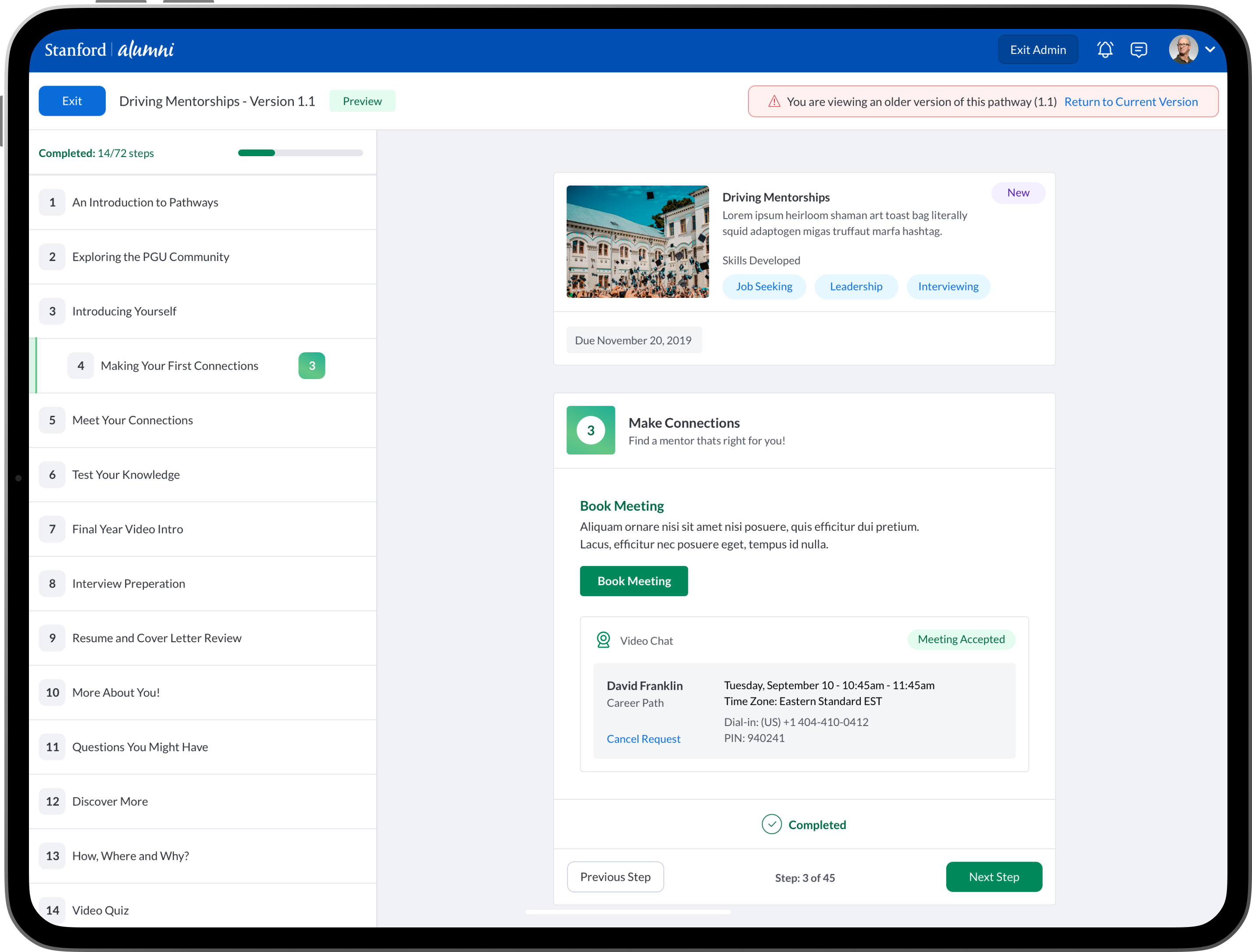
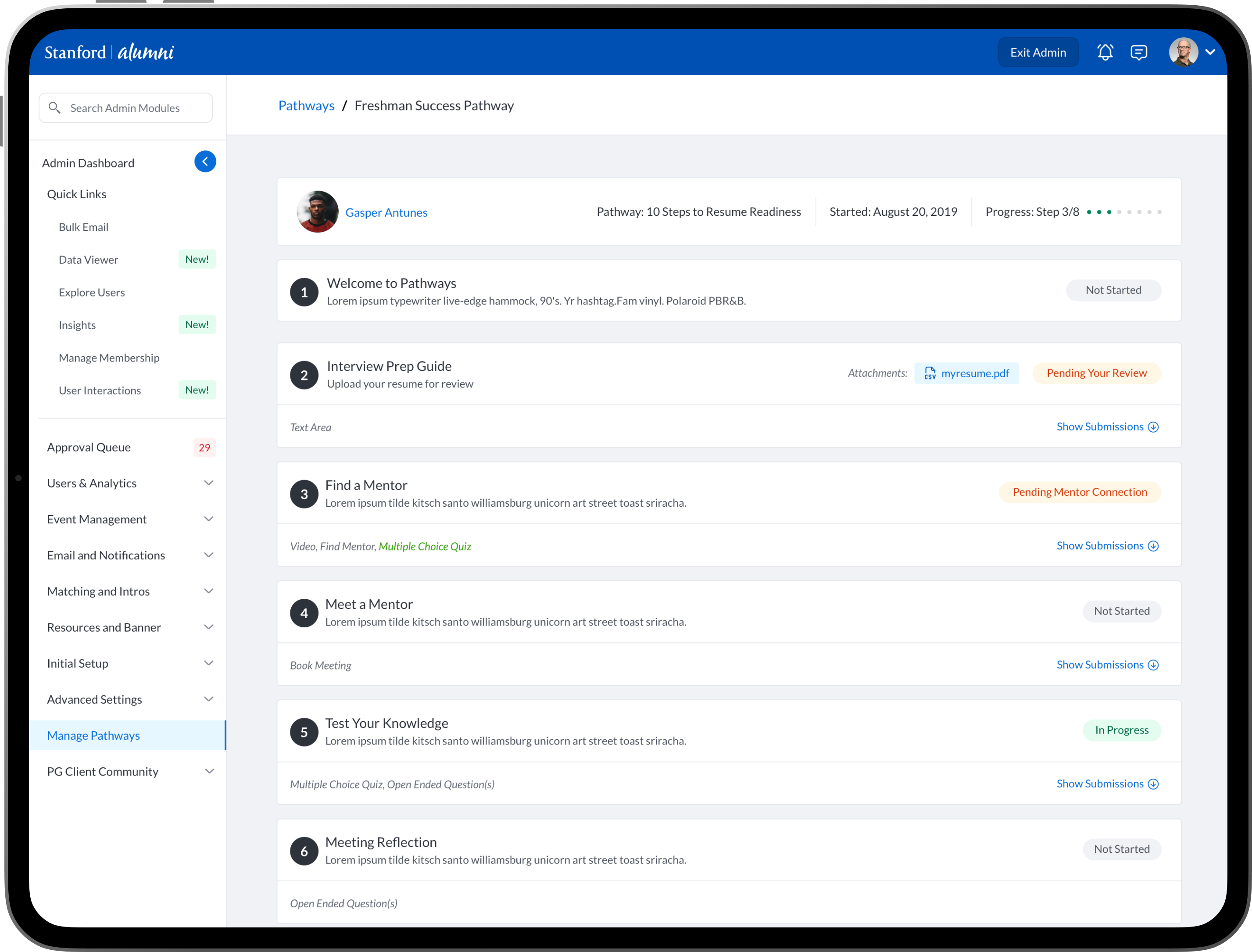
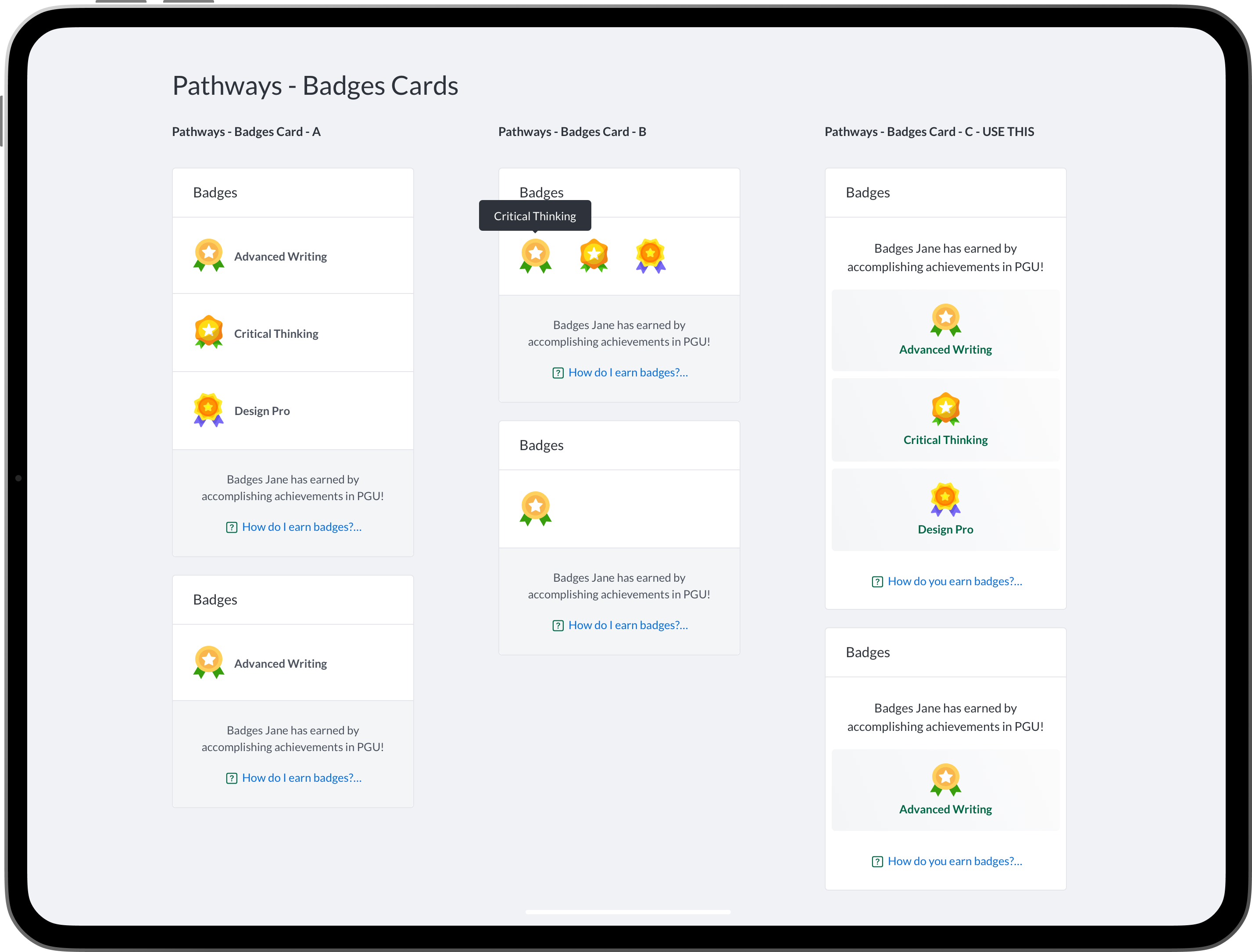
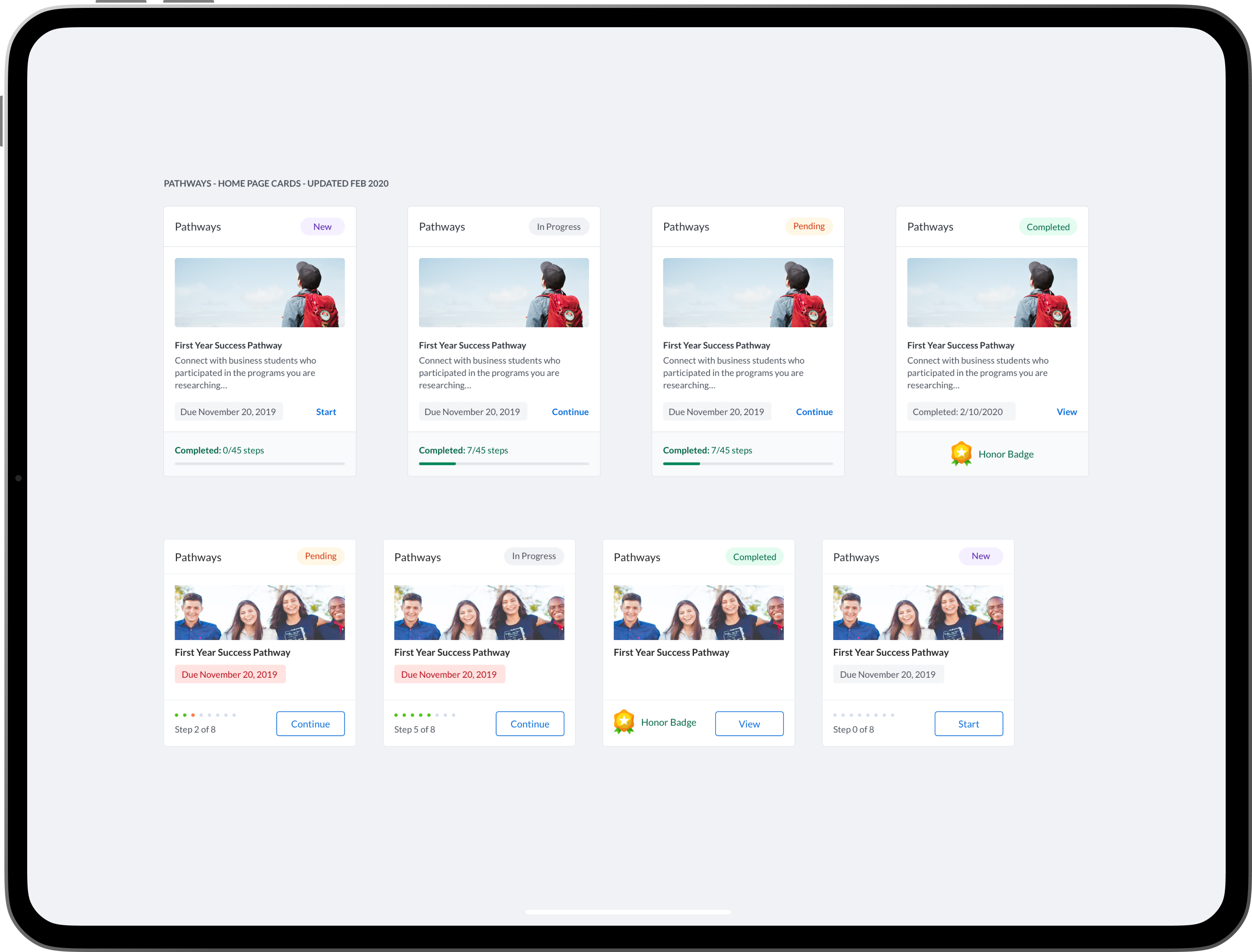
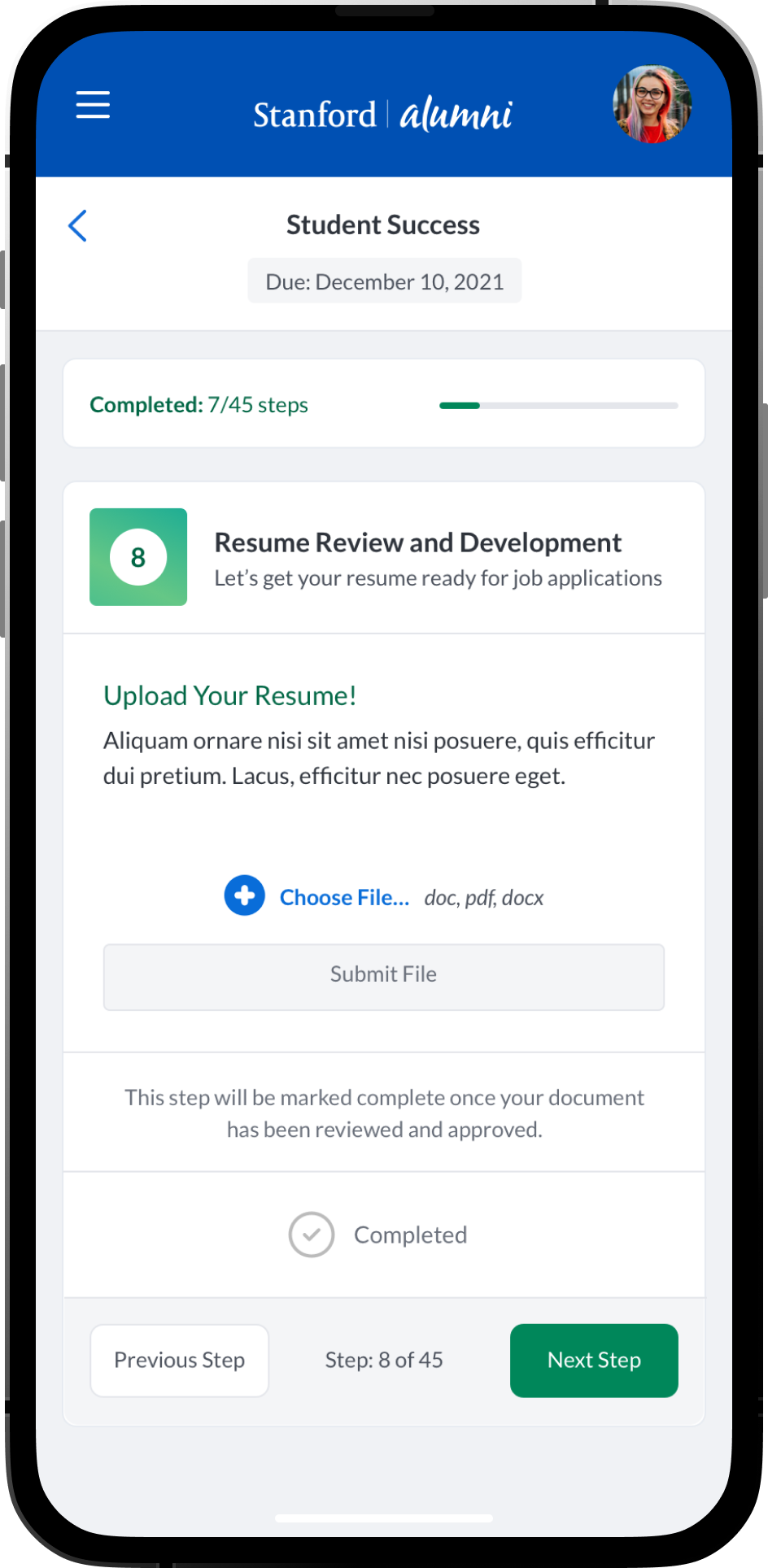
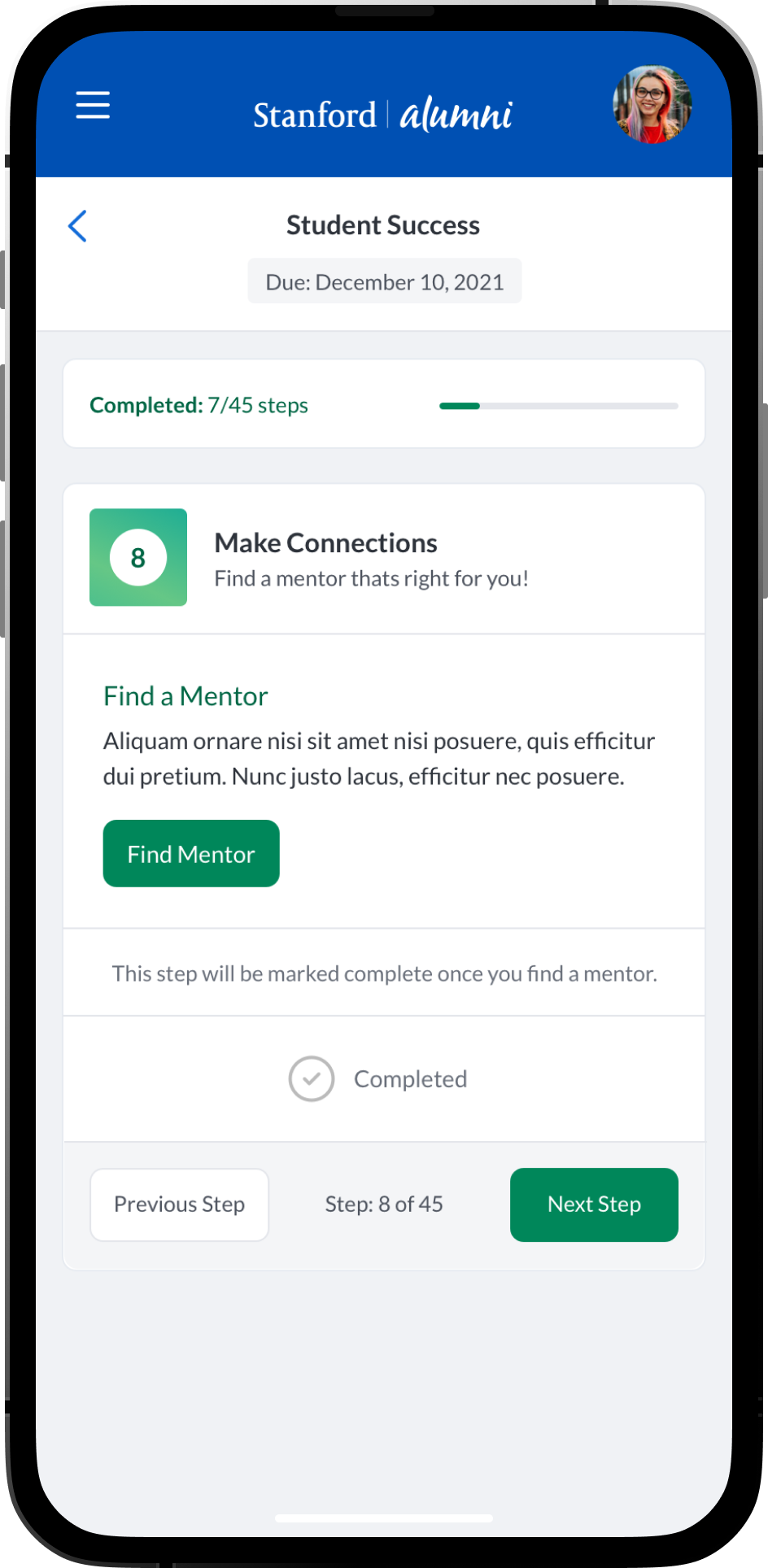
Pathways was a new premium product within the PeopleGrove ecosystem. Pathways empowered higher education / university students, alumni, mentors, staff, advisors and mentees a product with features aimed at fostering personal, academic, and professional growth. Pathways allowed faculty, staff, professors, advisors and alumni to create customized goals, tasks, meetings, conversations and many engaging features to help mentees find mentors.

Product Solution

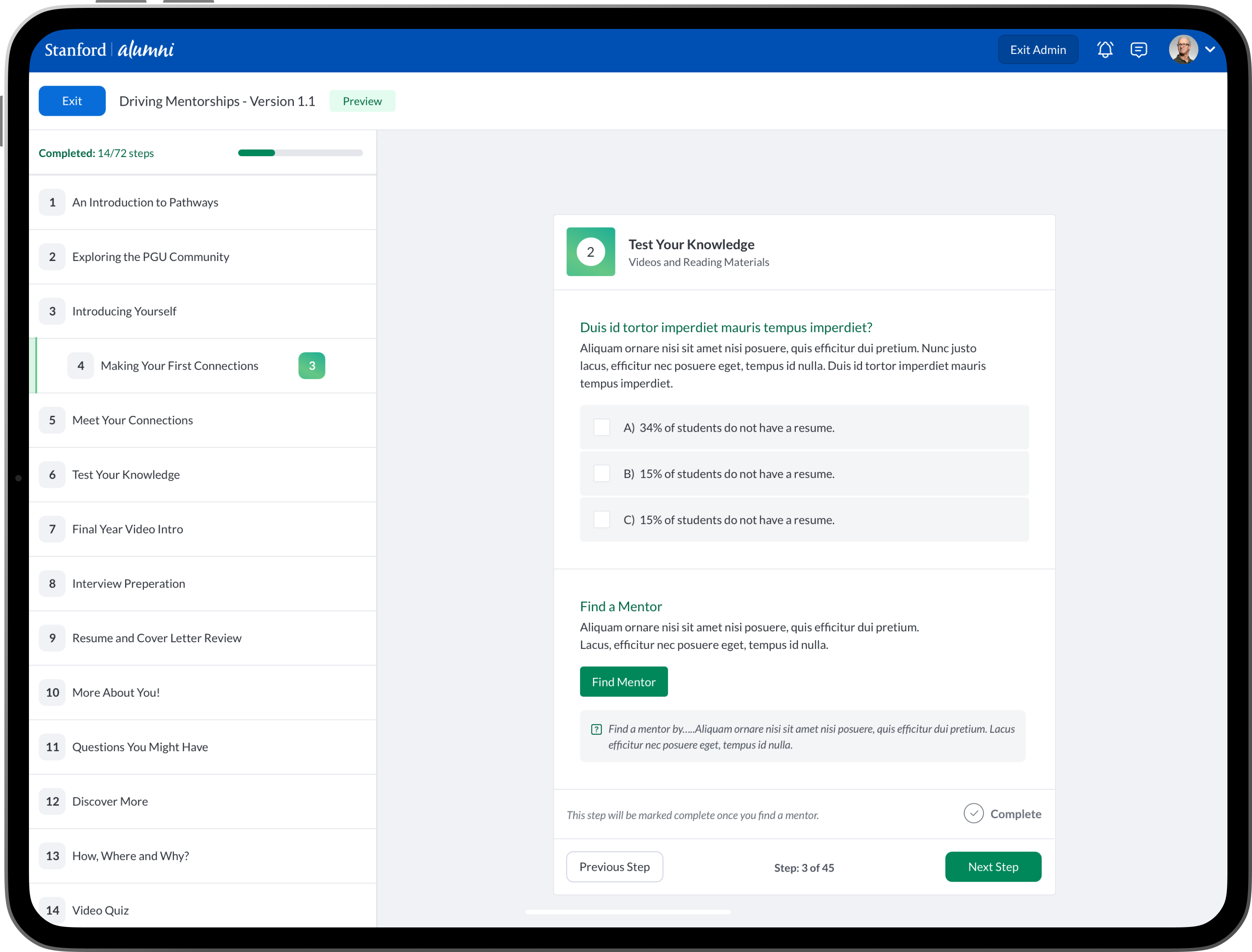
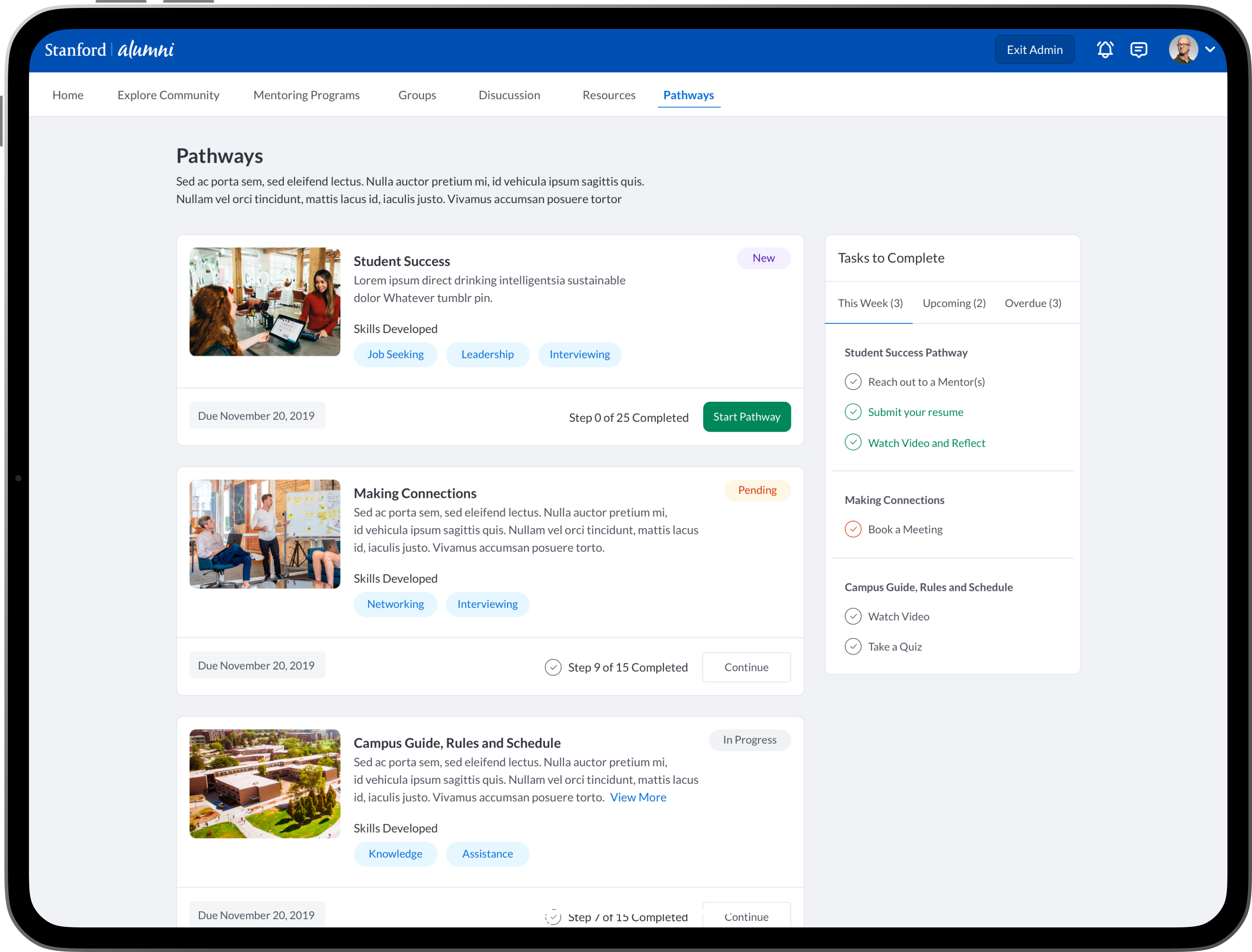
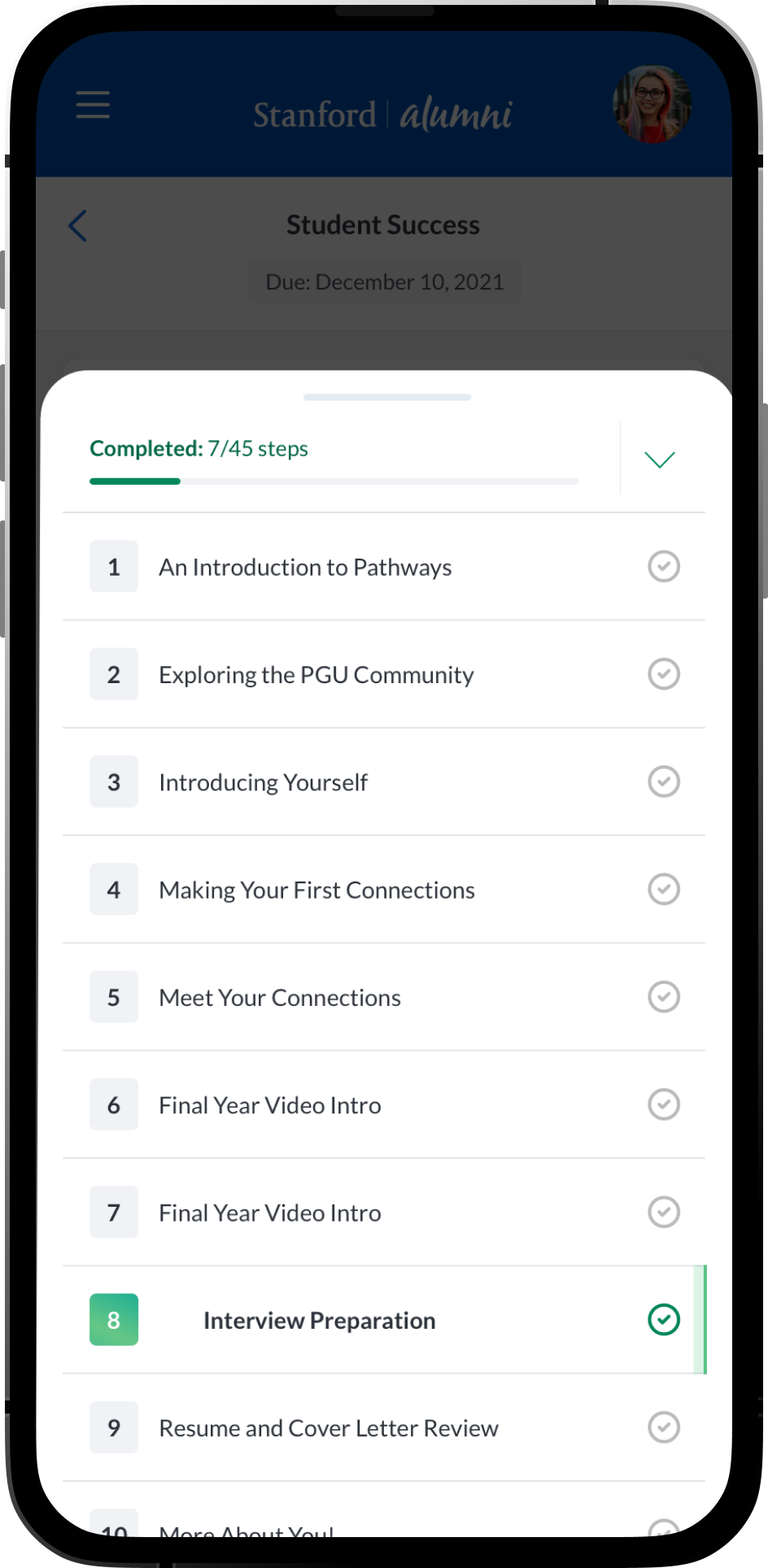
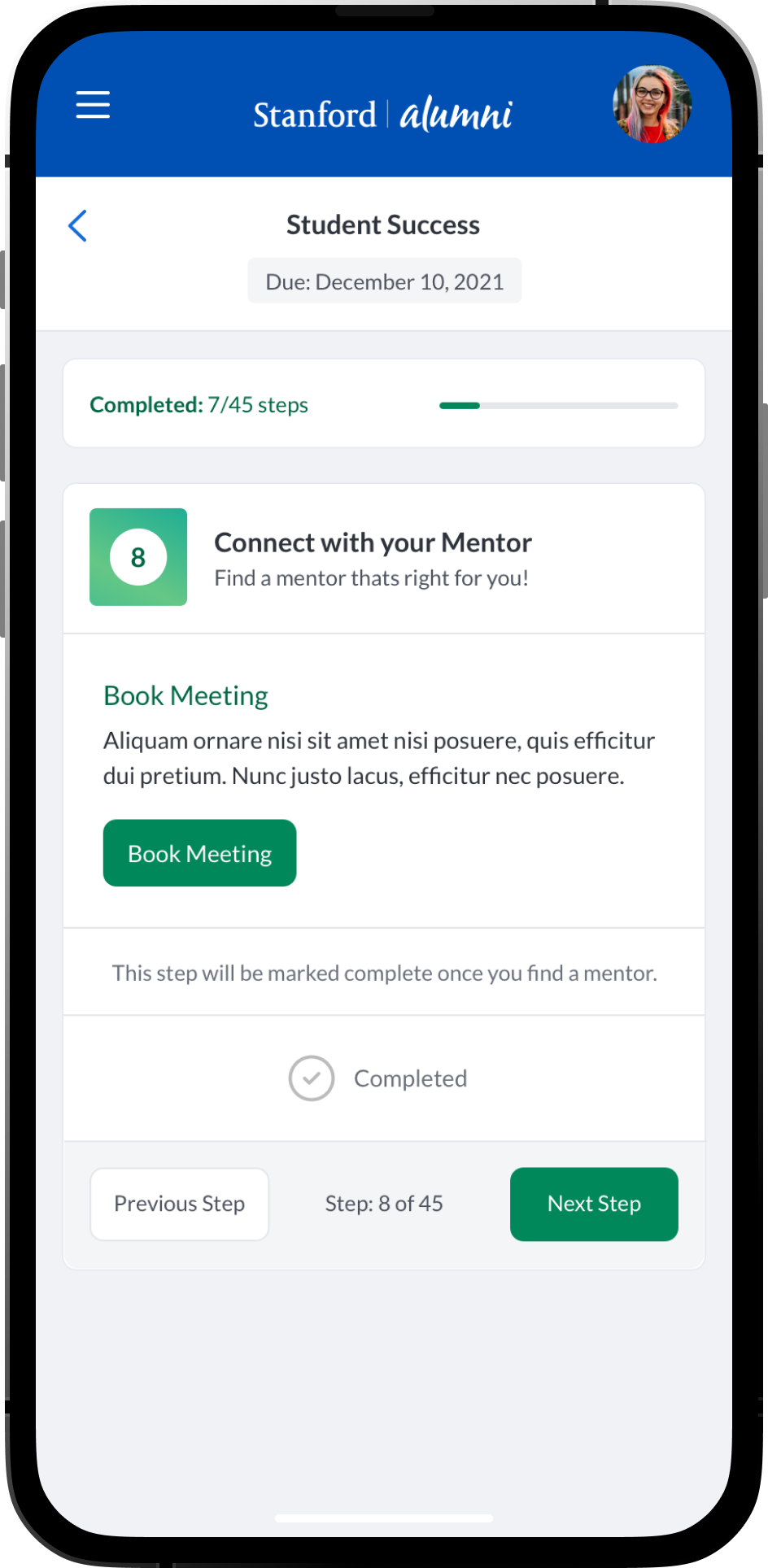
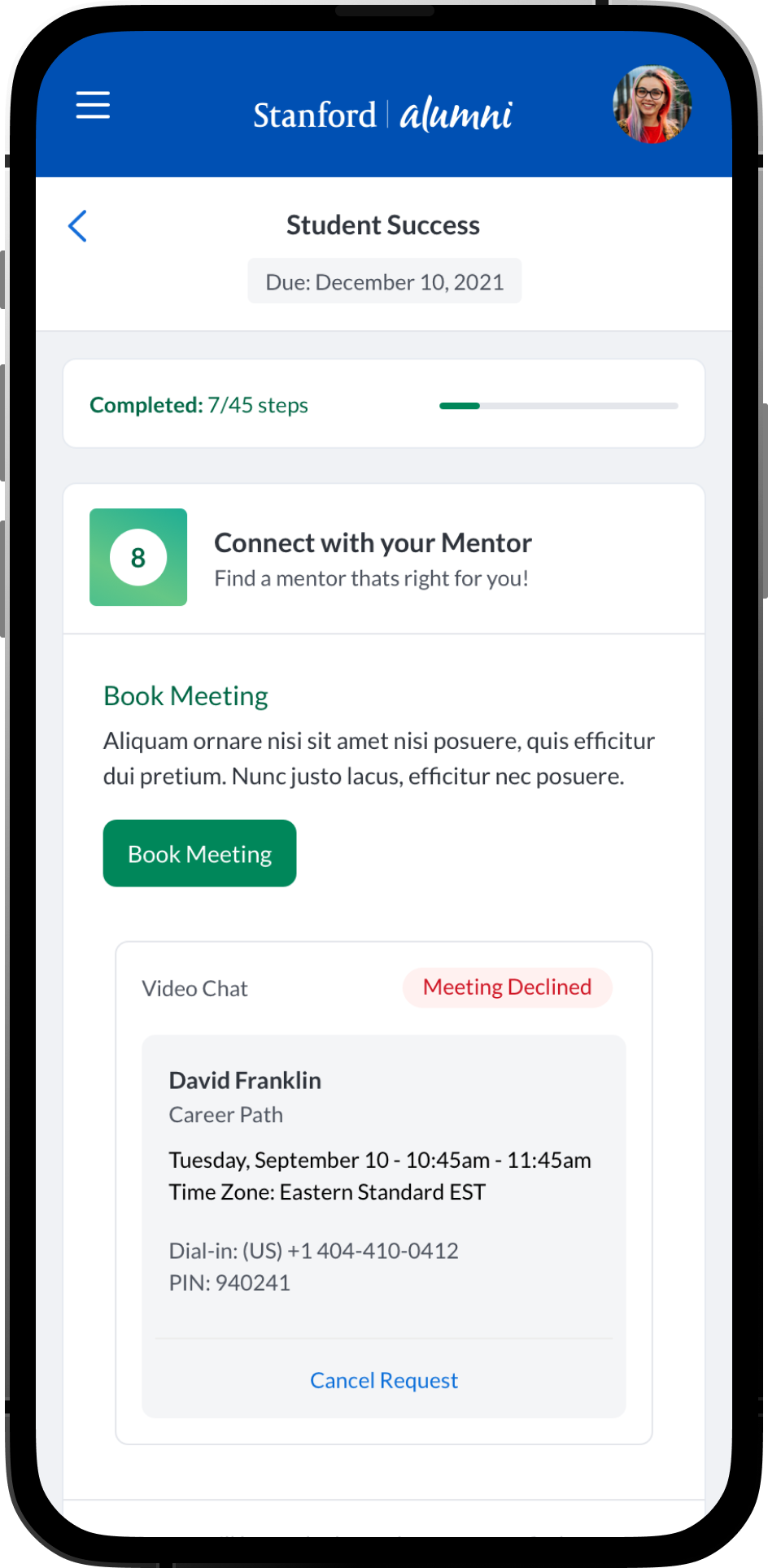
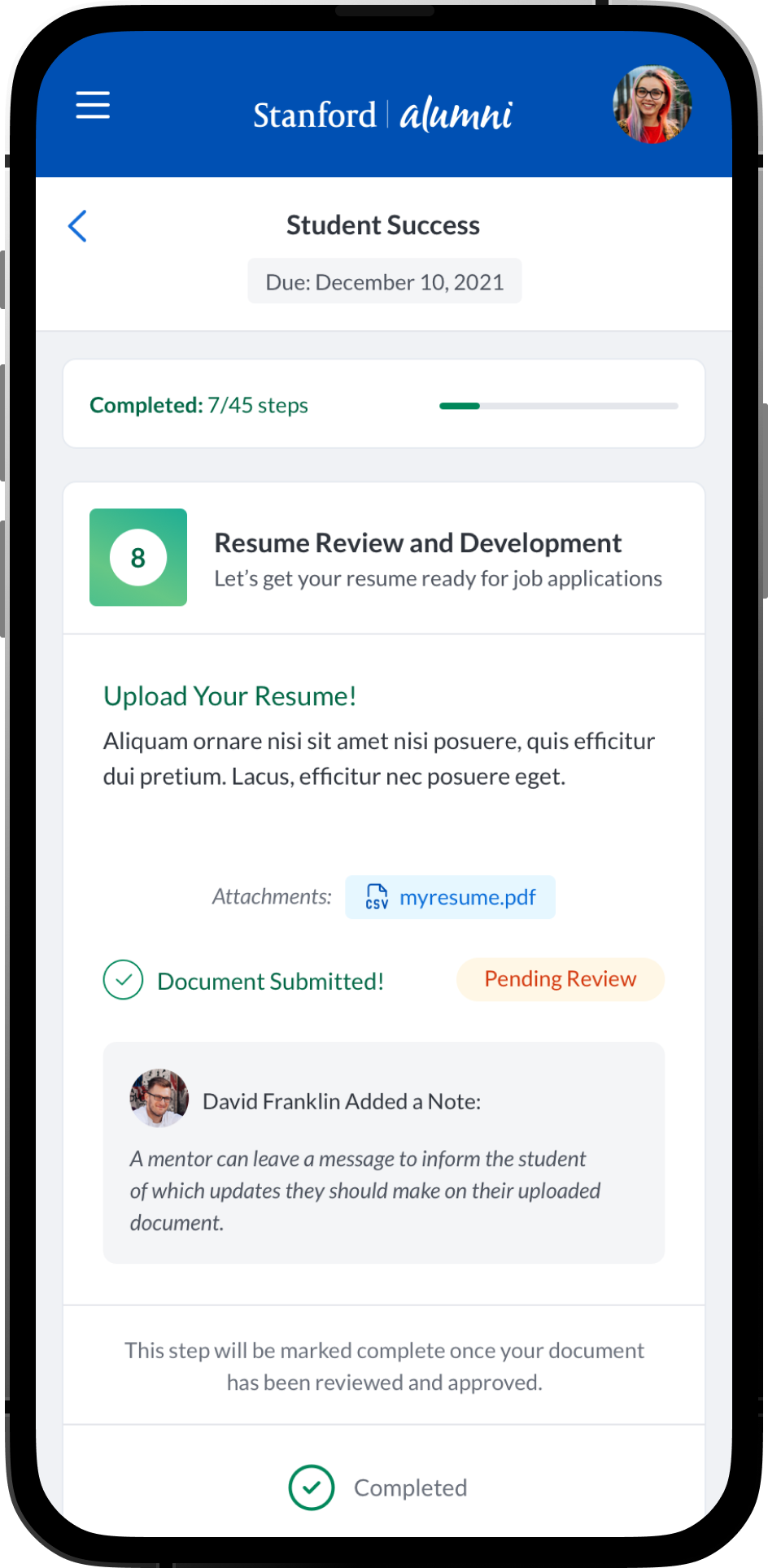
An intuitive task management system where students, mentees, mentors and alumni can view and manage academic, career-related, and personal development tasks. Integration with academic calendars, in-app chat integrations and conversation threads. Alumni could have relevant post-graduation tasks. Additional features such as: Resume review and feedback, Meeting Scheduling and Management, Interactive Quiz’s and Assessments, Mentor Discovery and Connections, Graduation Prep, Career Exploration and Preparation.
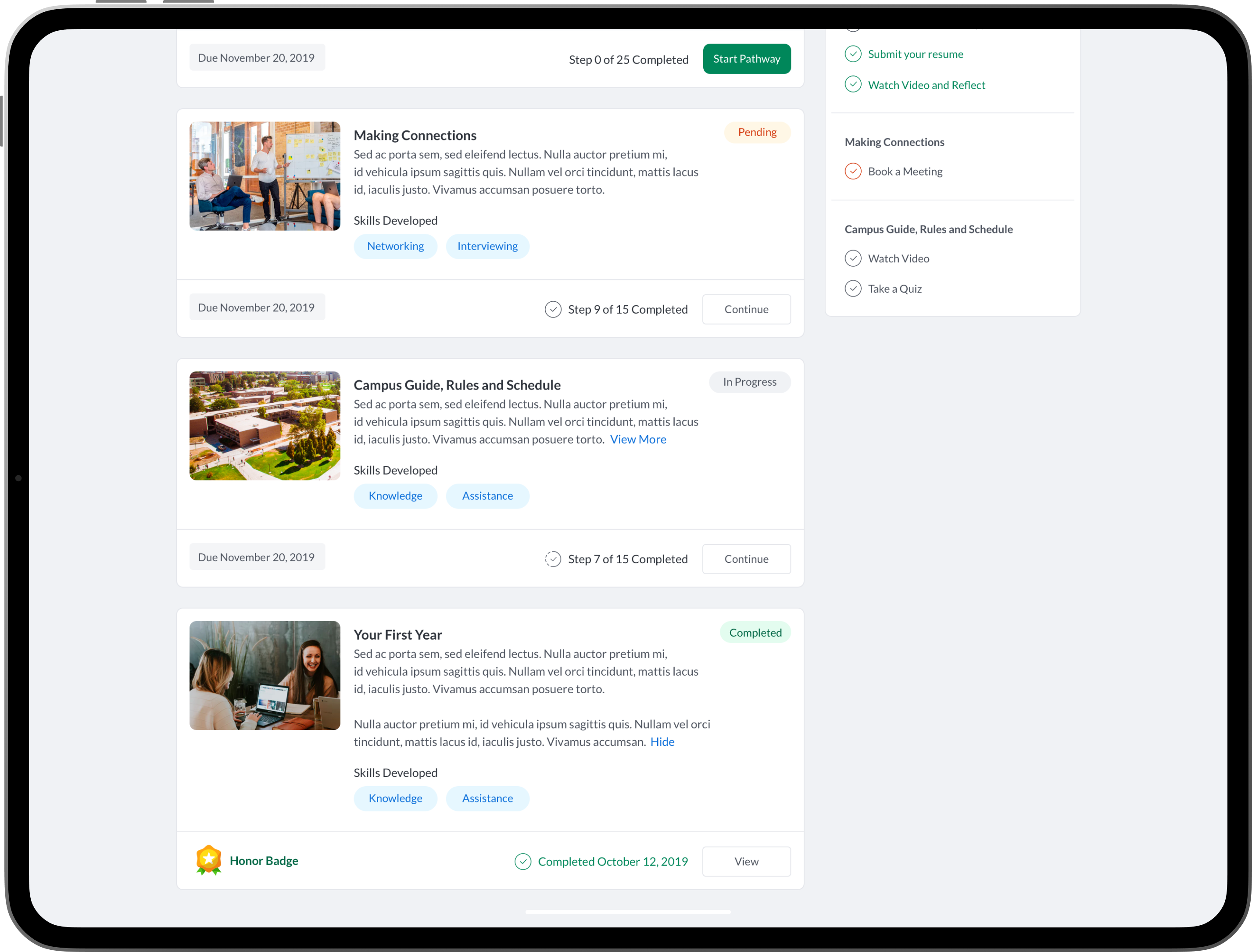
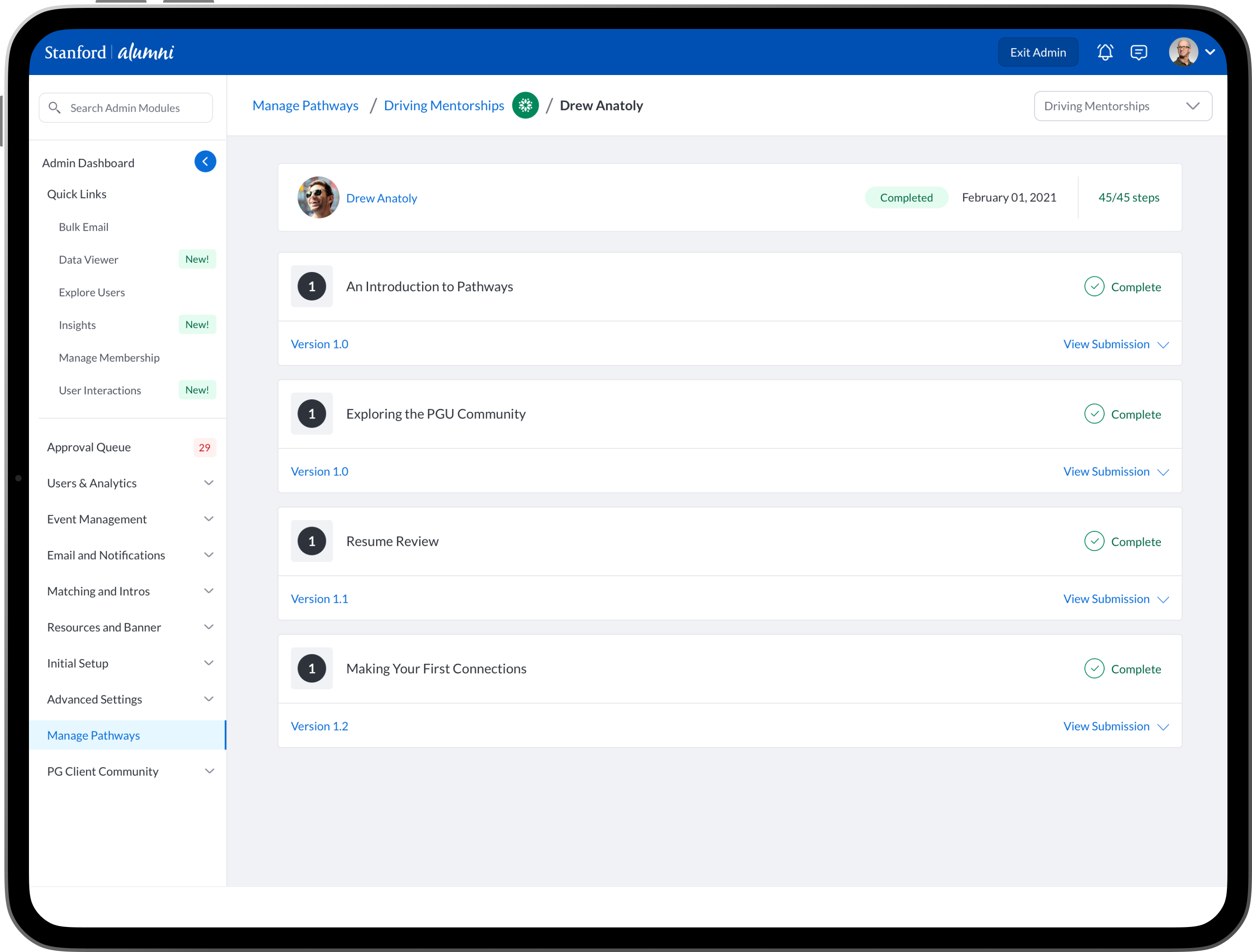
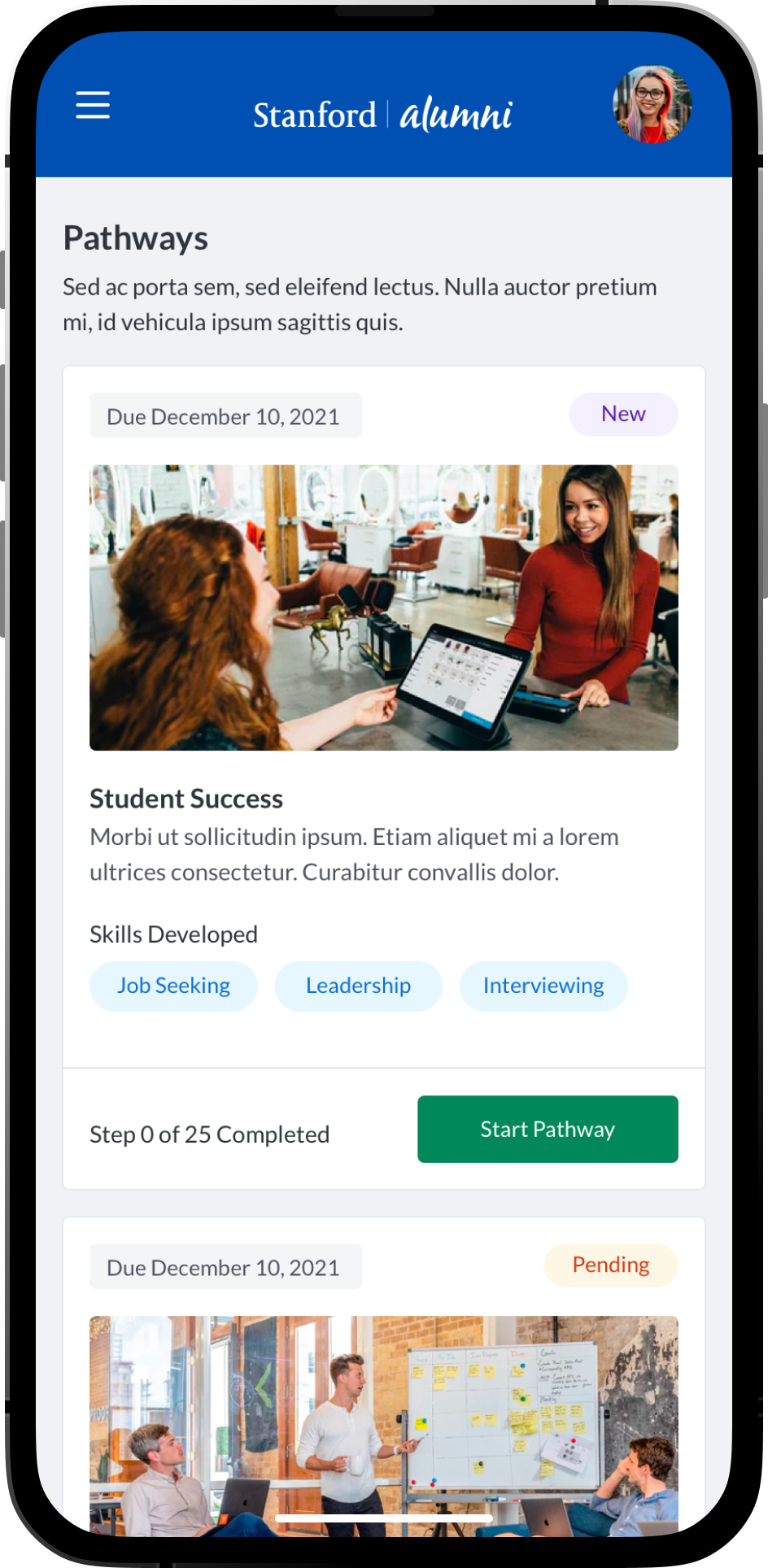
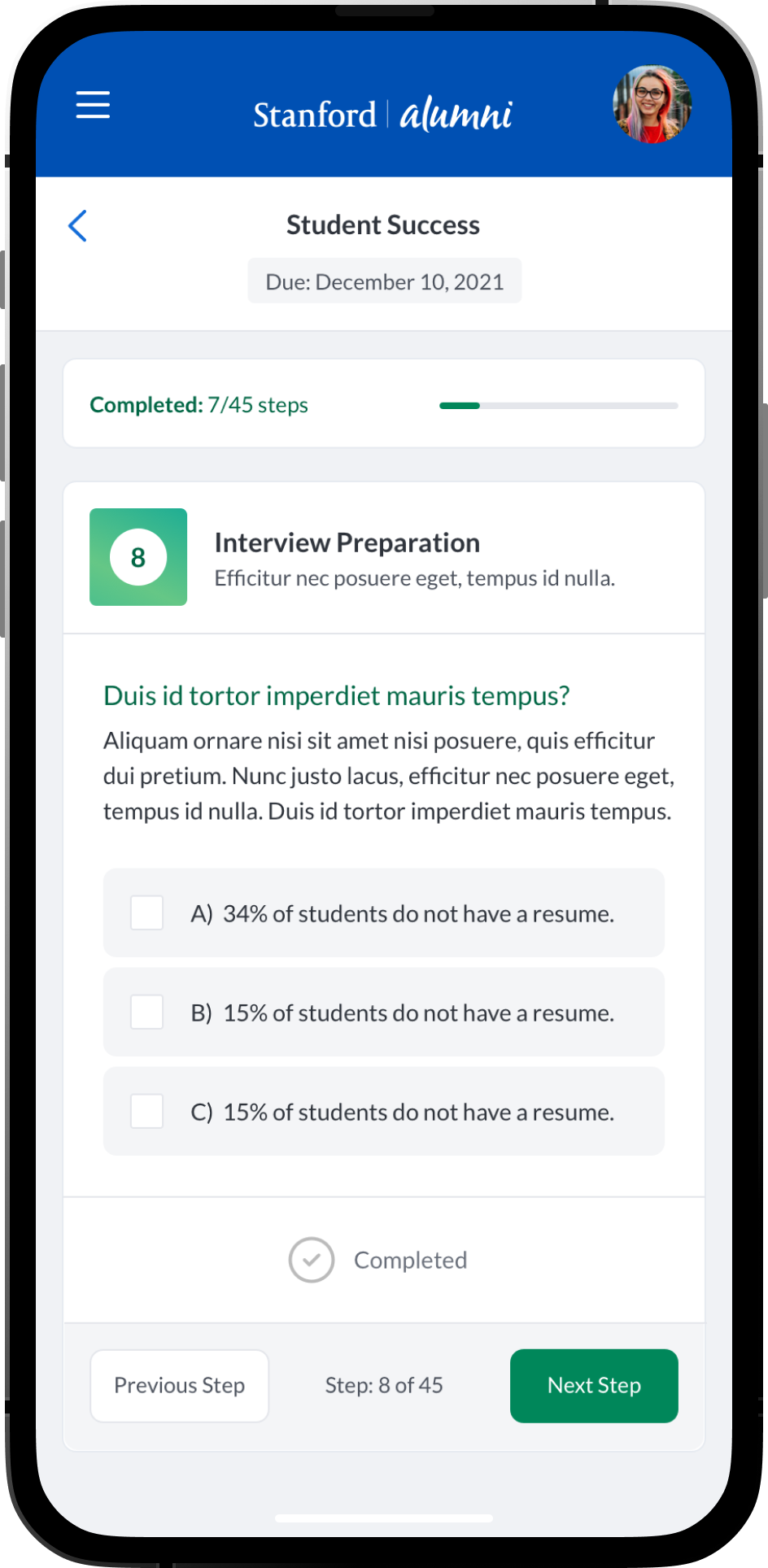
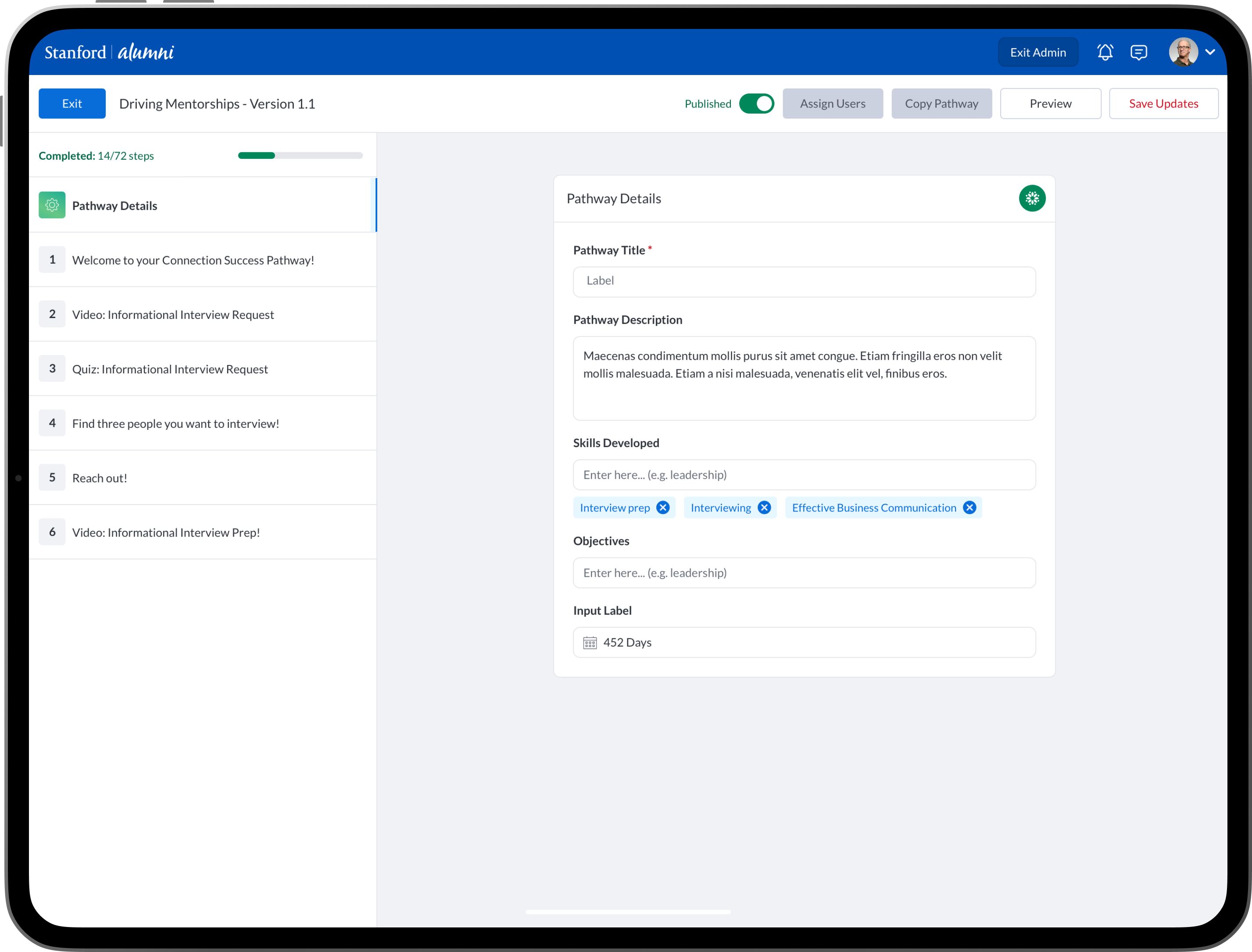
Visual Designs - Mentor and Mentee Pathways - Take/Review

Challenges

No Mobile UI Design

The original PeopleGrove application was designed a super long time ago and had no mobile user interface or components to use.

No In-App Messaging

The existing platform did not have in-app messaging functionality which forced users to exit the app to communicate.

No Filter Capabilities

Existing interface only allowed users to search by name, location and school... thats it. There was no other search features.

Low Member Engagement

Because of the broken and disconnected mobile and web experience many users stopped using this part of the platform and engaged on apps like Google Mail instead.

Quick Insights

Member Engagement

Up 24%

New Connections

+193%

New Sign-Ups

+37%

Messages Sent

+900%

Process

My process included market research, user testing, interviews and prototypes. I worked super close with leadership, product and engineers to visit college campus’s around the US and user test + interview our users: college students, staff, alumni, etc...

Research and Discovery

Conducted user interviews, market research and user testing to identify user pain points, missing functionality and usability issues.

Wireframes and Prototypes

Created mockups, wireframes and clickable prototypes to help test the user flows, user interactions and user experience accessibility.

User Testing

In collaboration product, we conducted user testing on our existing enterprise beta clients and power users.

Final Designs and Deliverables

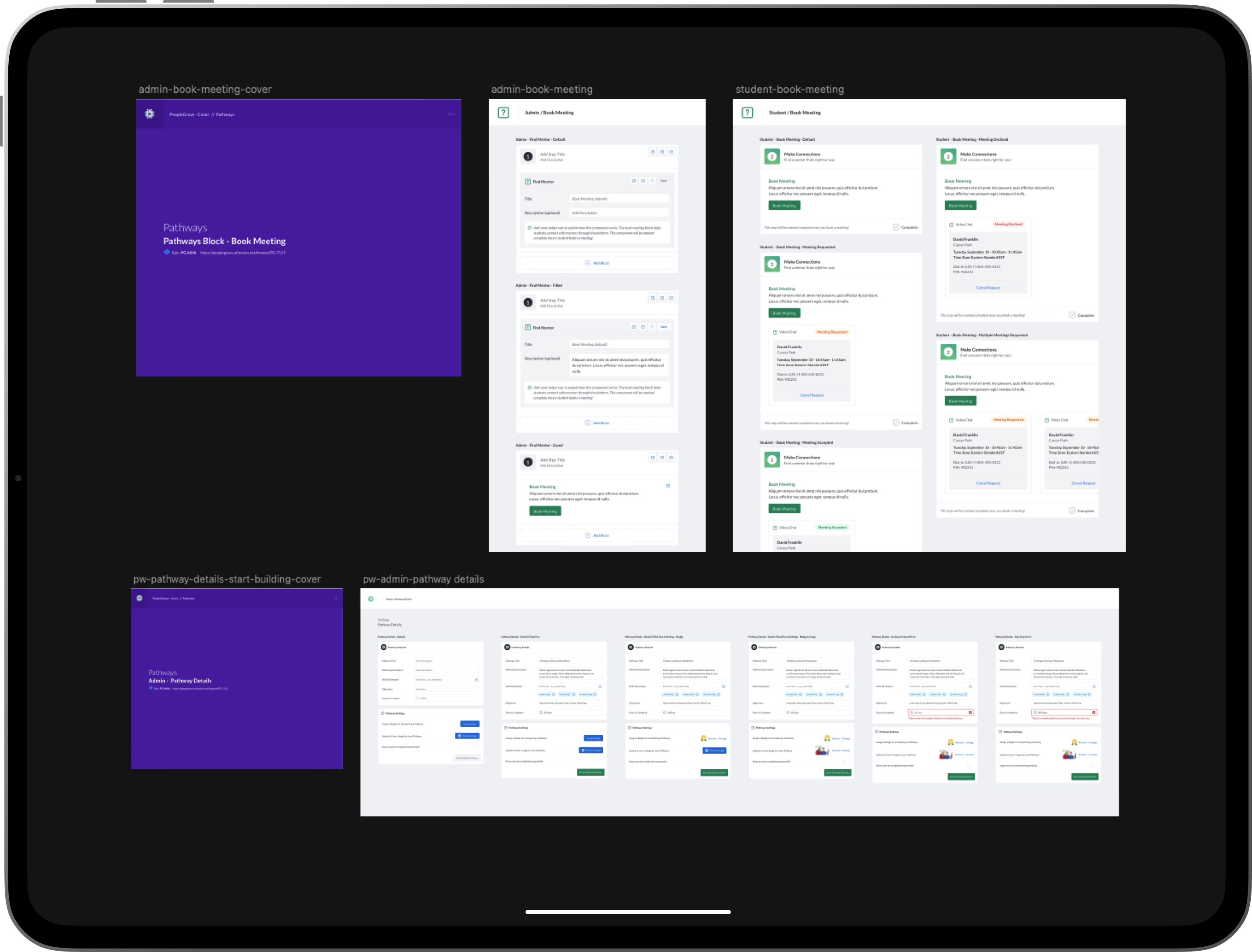
In collaboration with engineering, I delivered fully annotated final visual designs and prototypes to help engineering teams to implement the new UI.

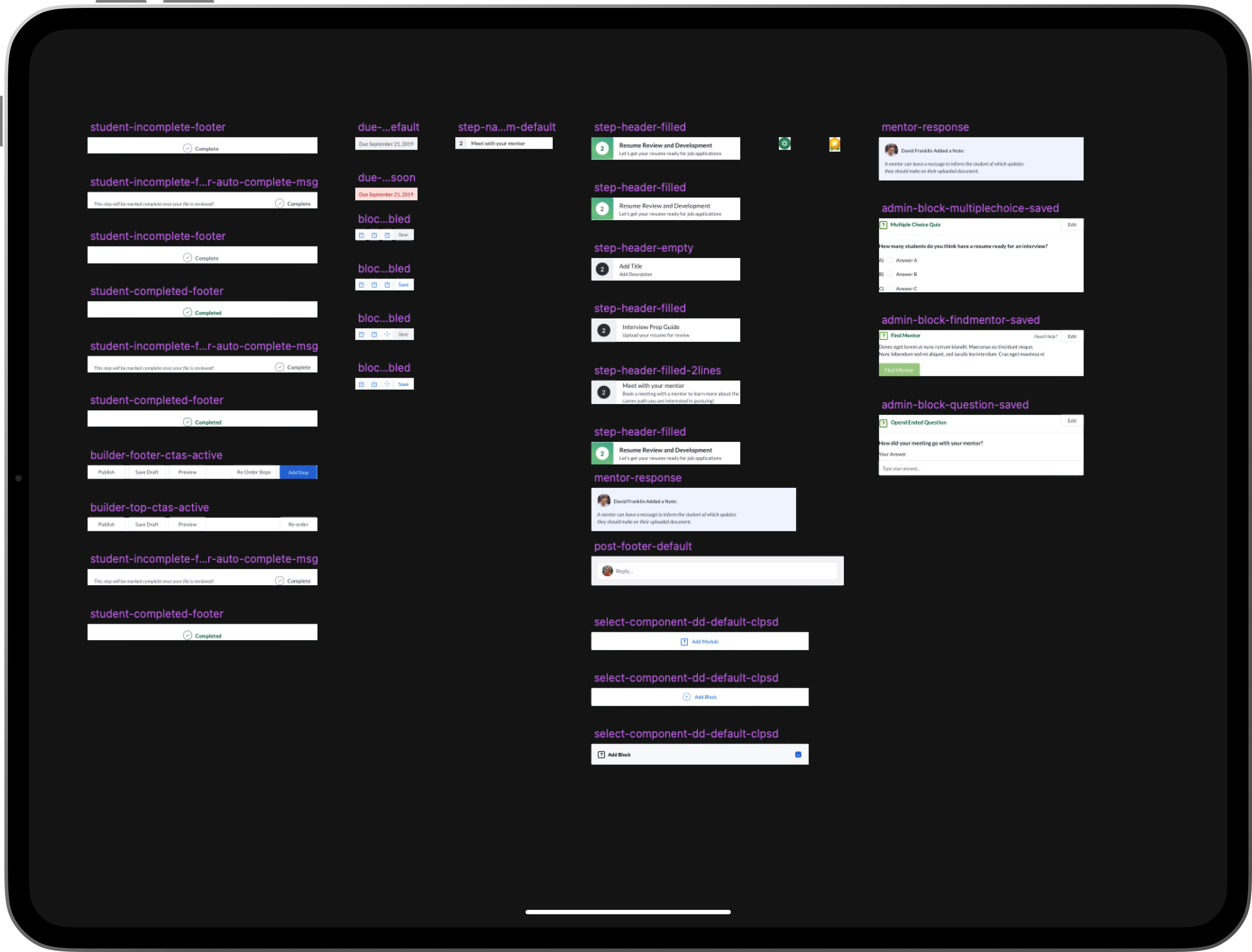
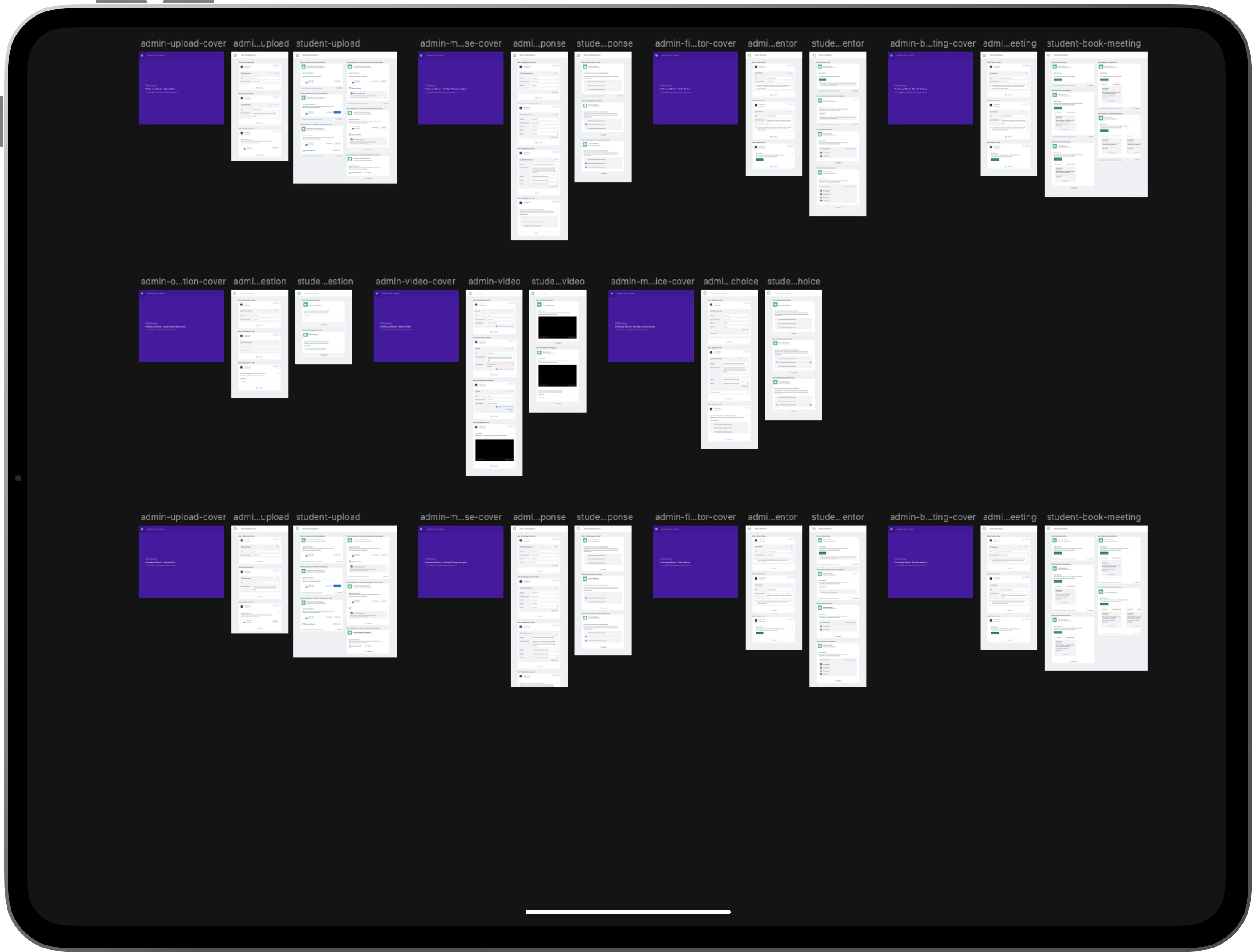
Process - Wire Frames, Prototypes, Design System and Component Library

Learning and Take Aways

Improving Bad Usability and Accessibility

With the release of this feature, we learned that the main reason users weren’t using the mobile experience was because it had “bad design”..

Understanding Students, Mentors, Alumni, Mentees

Students are pretty much always on the go and are constantly engaging with their mobile devices; I learned most students want a similar easy experience like “swipe left and swipe right” to find a mentor.

Adoption Rate

Over half of the students that were not signed up for our platform ended up signing up, finding a mentor and making a connection.

Business Impact

Universities were extremely happy and engaged with the new functionality and features. More faculty and staff signed up to engage with mentees.

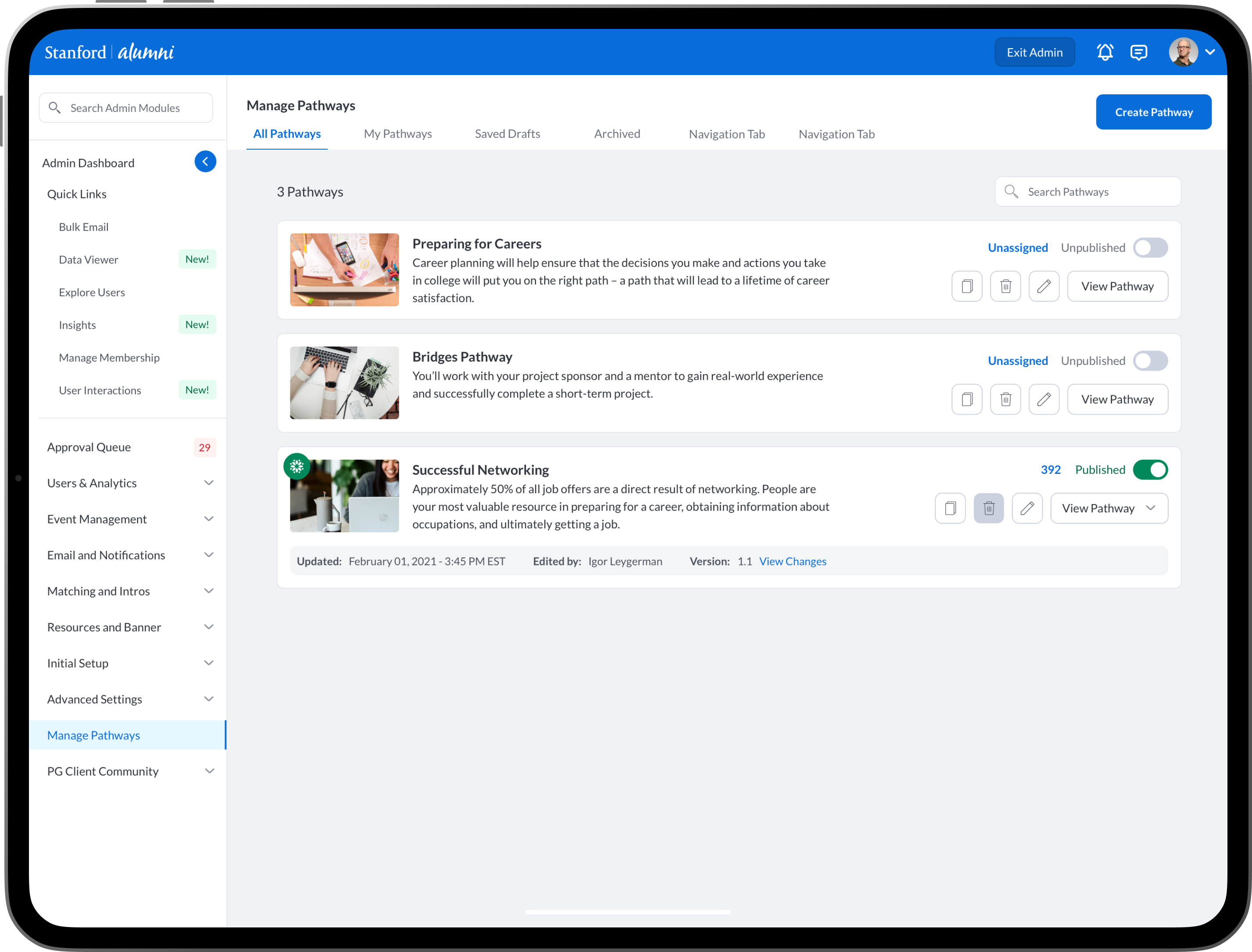
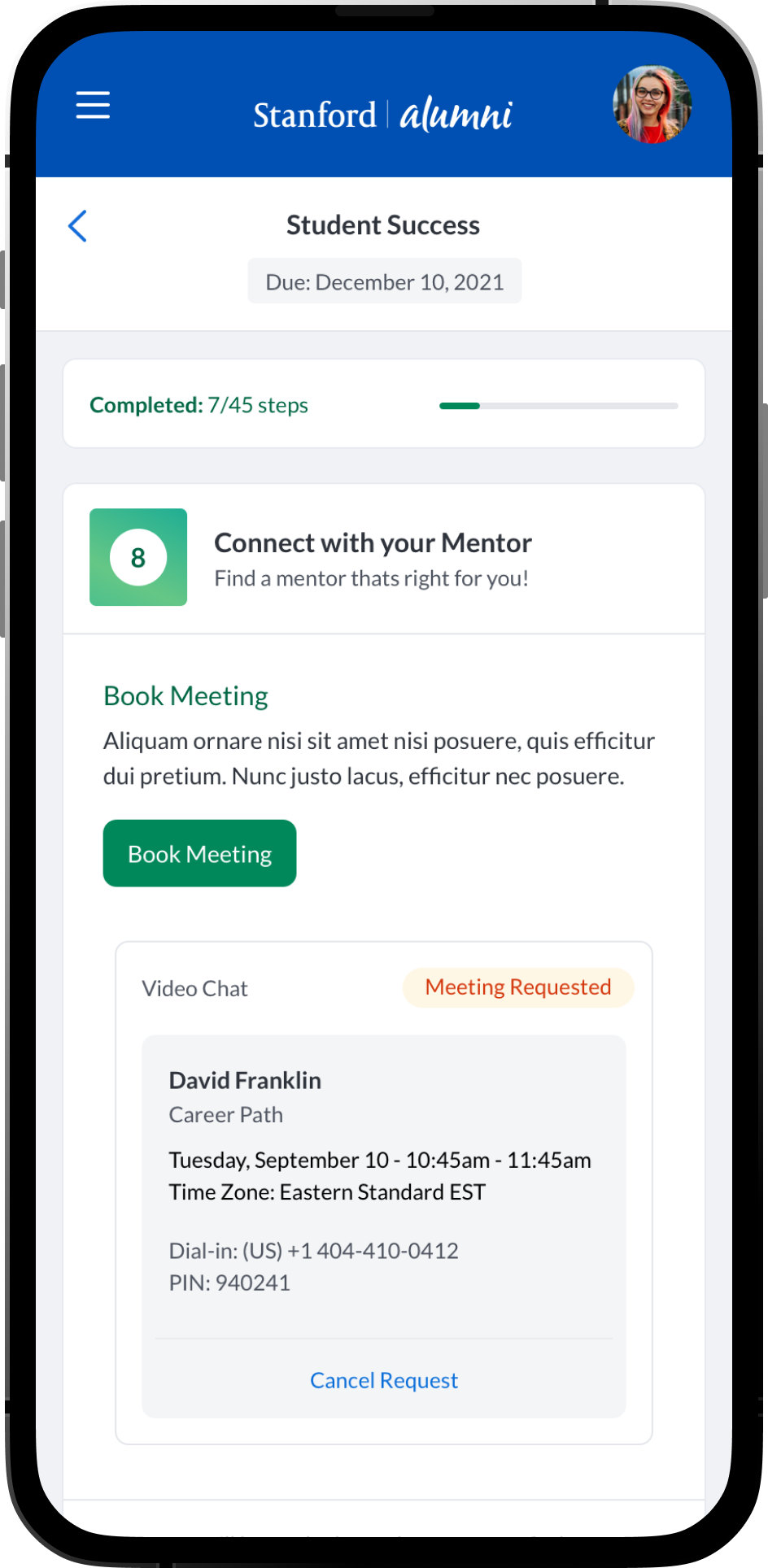
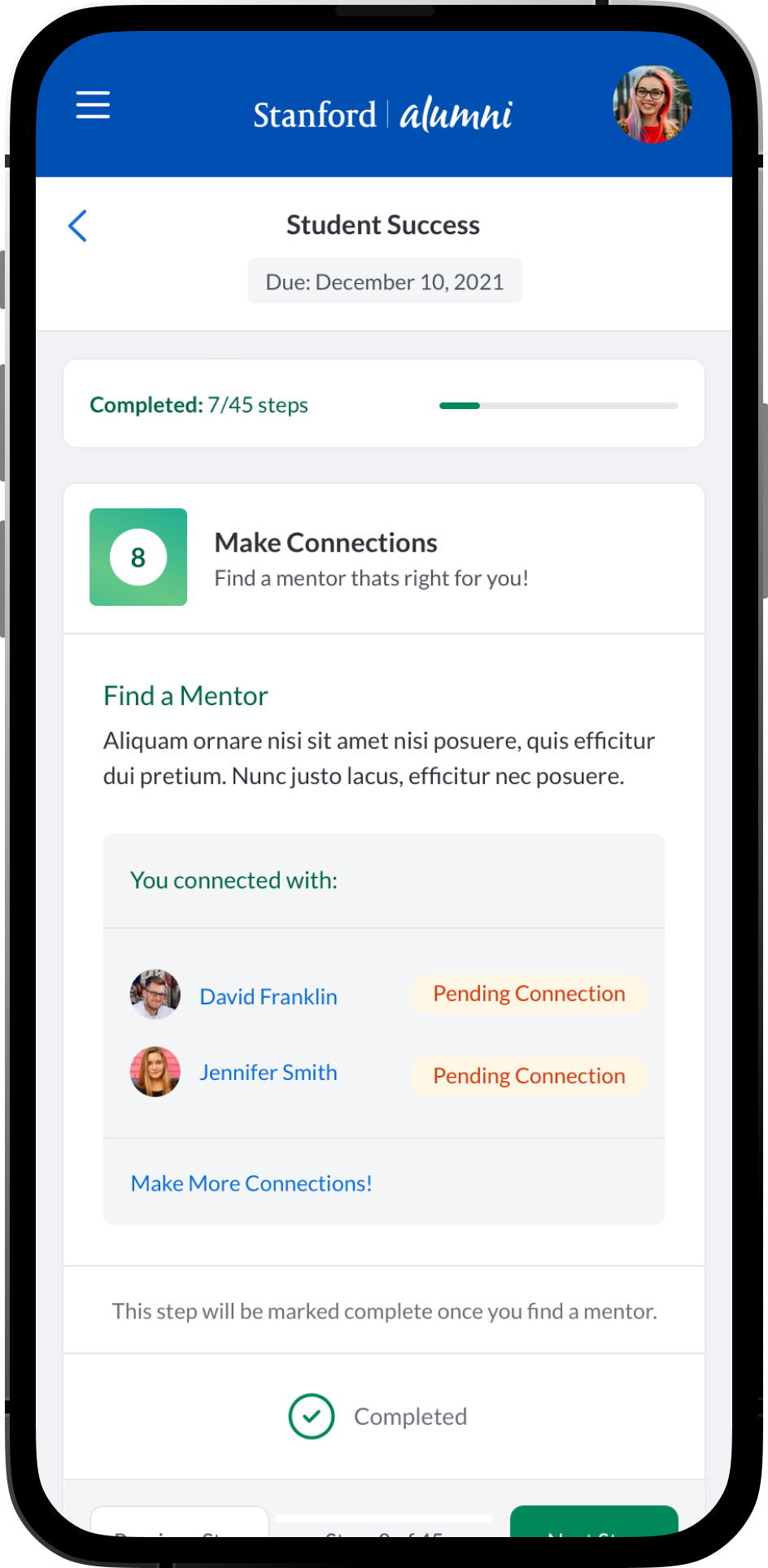
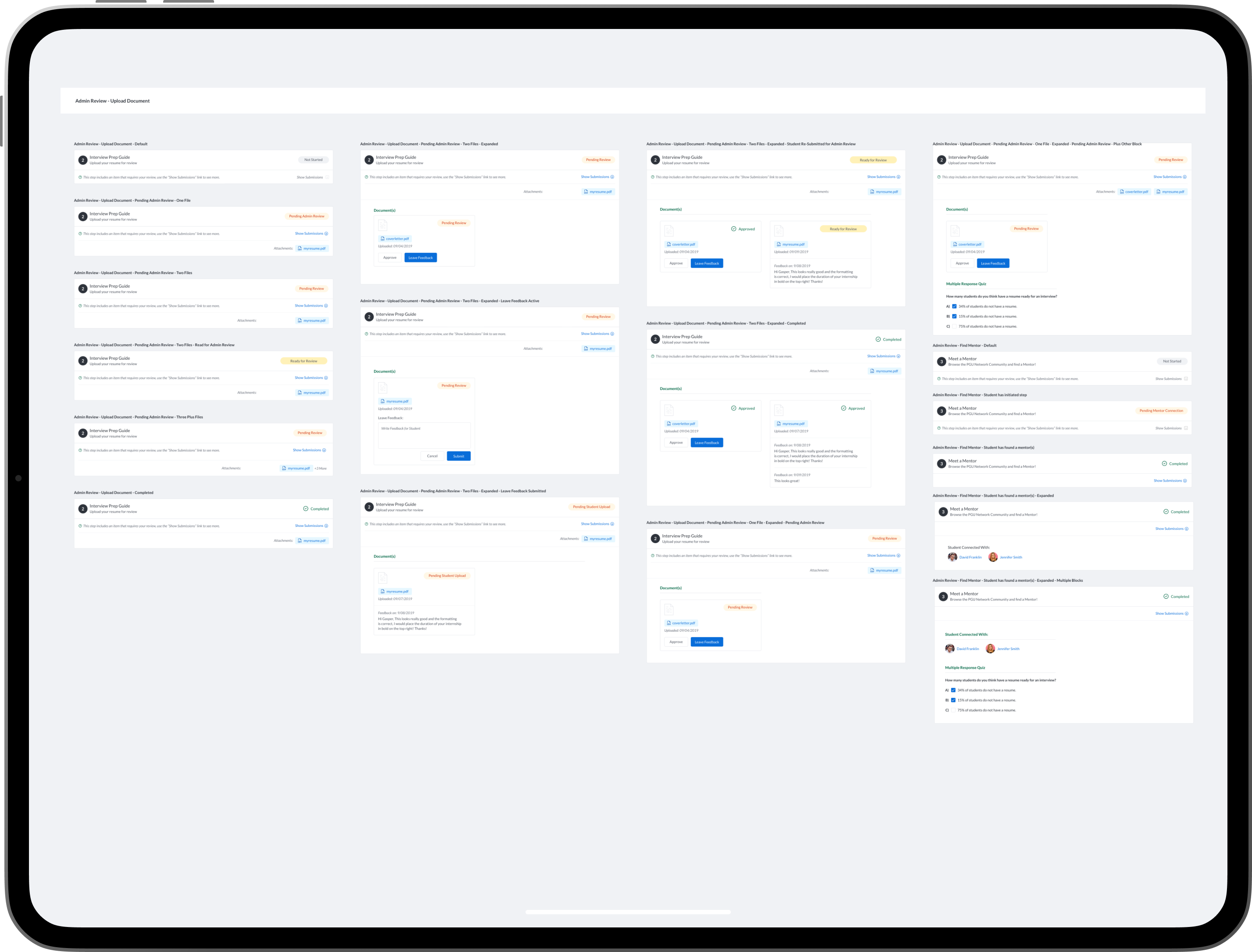
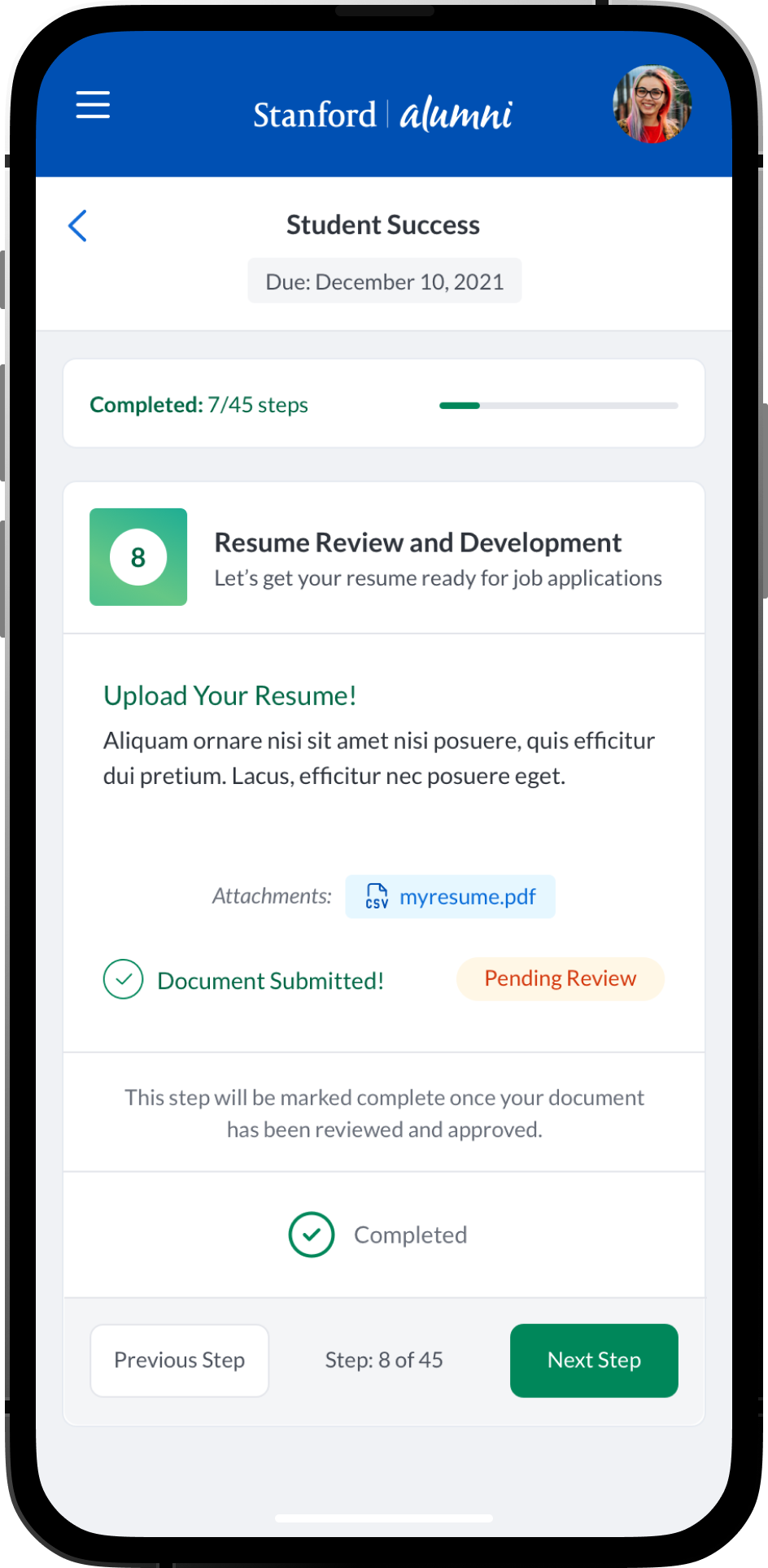
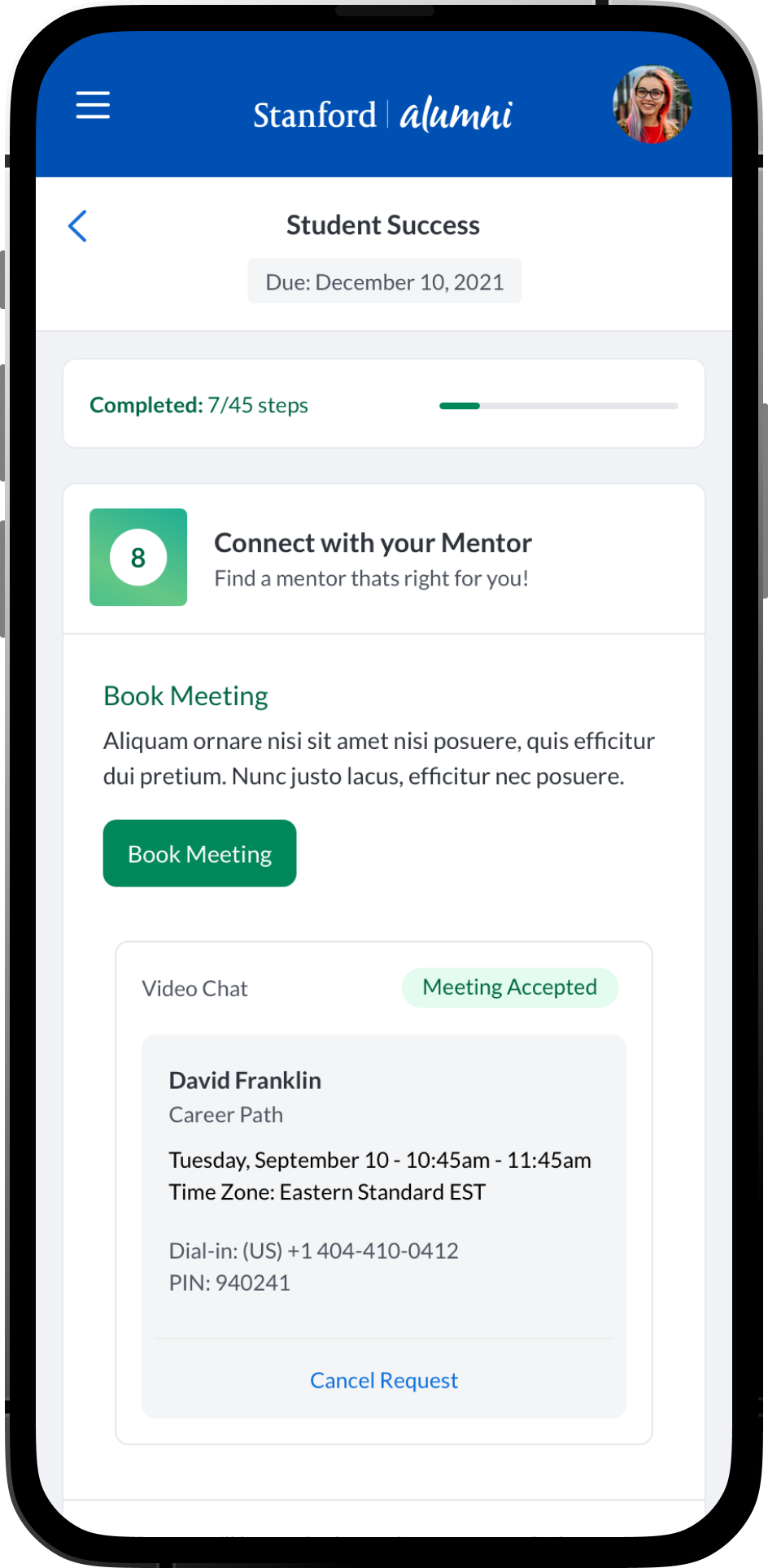
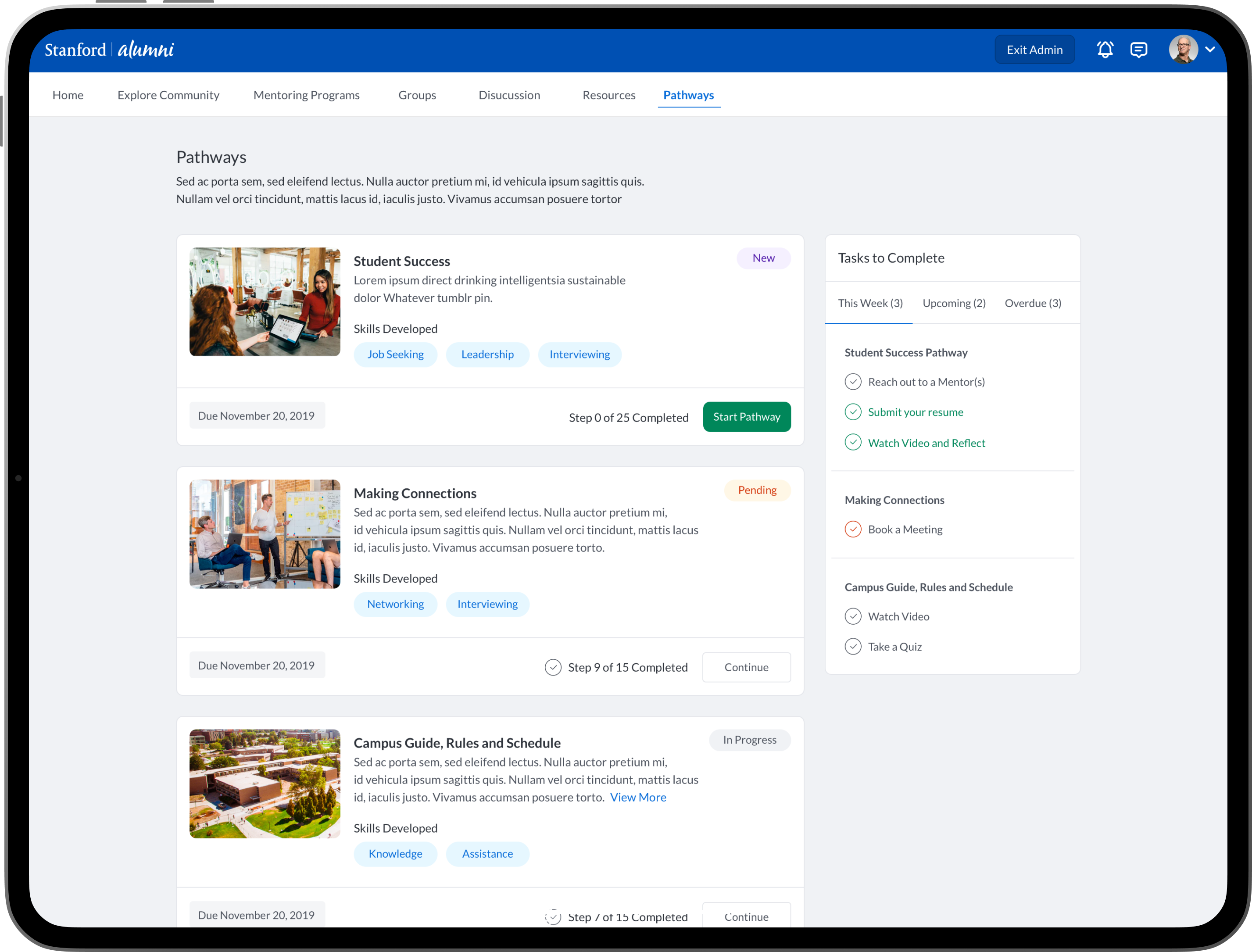
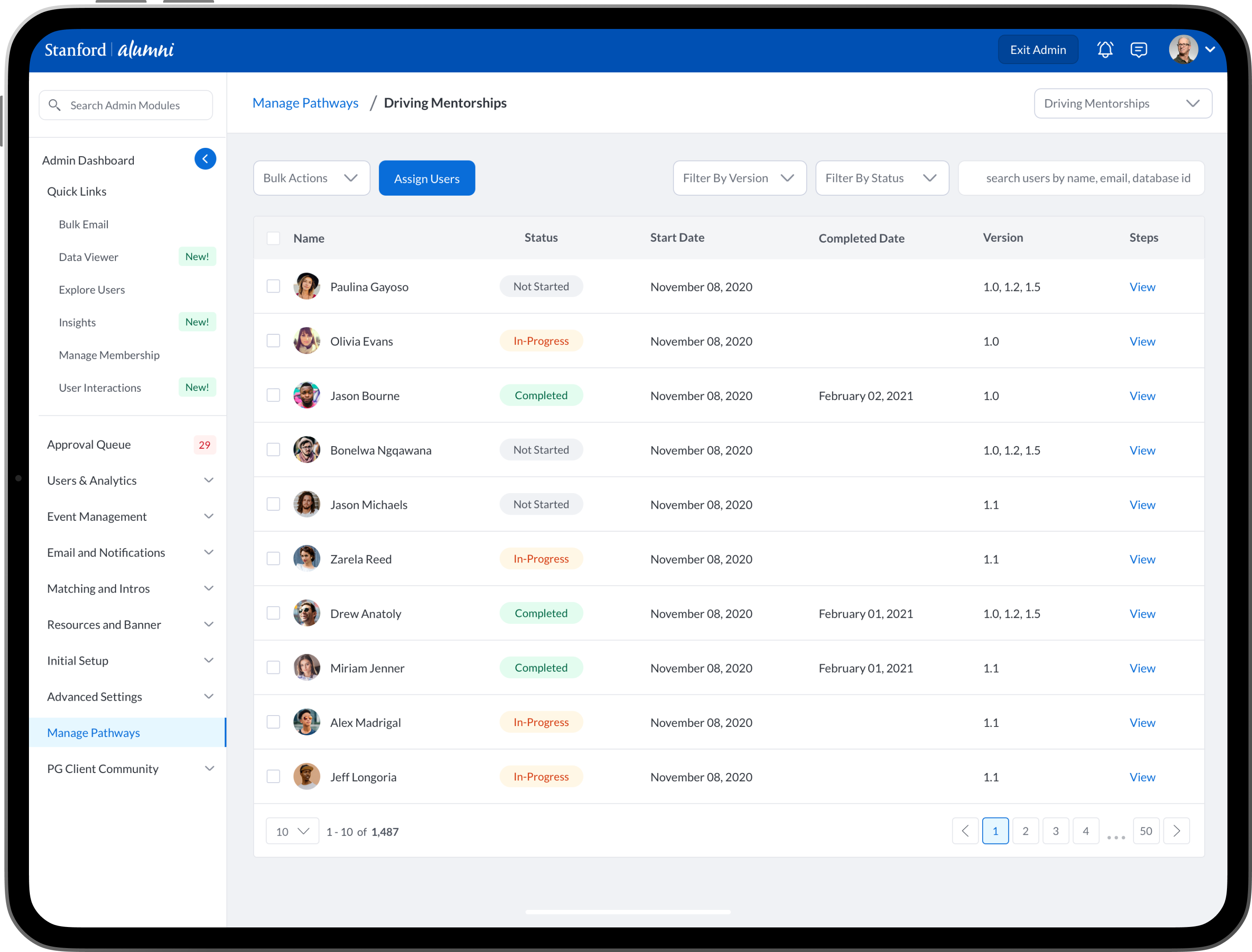
Visual Designs - Student Mobile and Desktop Pathways Built by Admins